Blu-ray
- Open the disc in Disc DNA.
- Open Blu-ray Access Monitor and select Start.
- Play the disc in VLC, then use its menus to start a feature, episode, trailer, or extra.
- Record the playlist ID displayed by Disc DNA.
Discover what is on your DVD and Blu-ray discs.
Disc DNA is a desktop companion for documenting physical-media releases in TUIMDB DiscDB. Browse the structure of a disc, inspect title details, and identify the DVD title number or Blu-ray playlist ID that corresponds to each feature, episode, trailer, or extra.
Version 1.2.1 is available for 64-bit Windows, Debian-based Linux, Fedora Linux, and Apple silicon Macs.
Disc DNA has received 245 download requests.
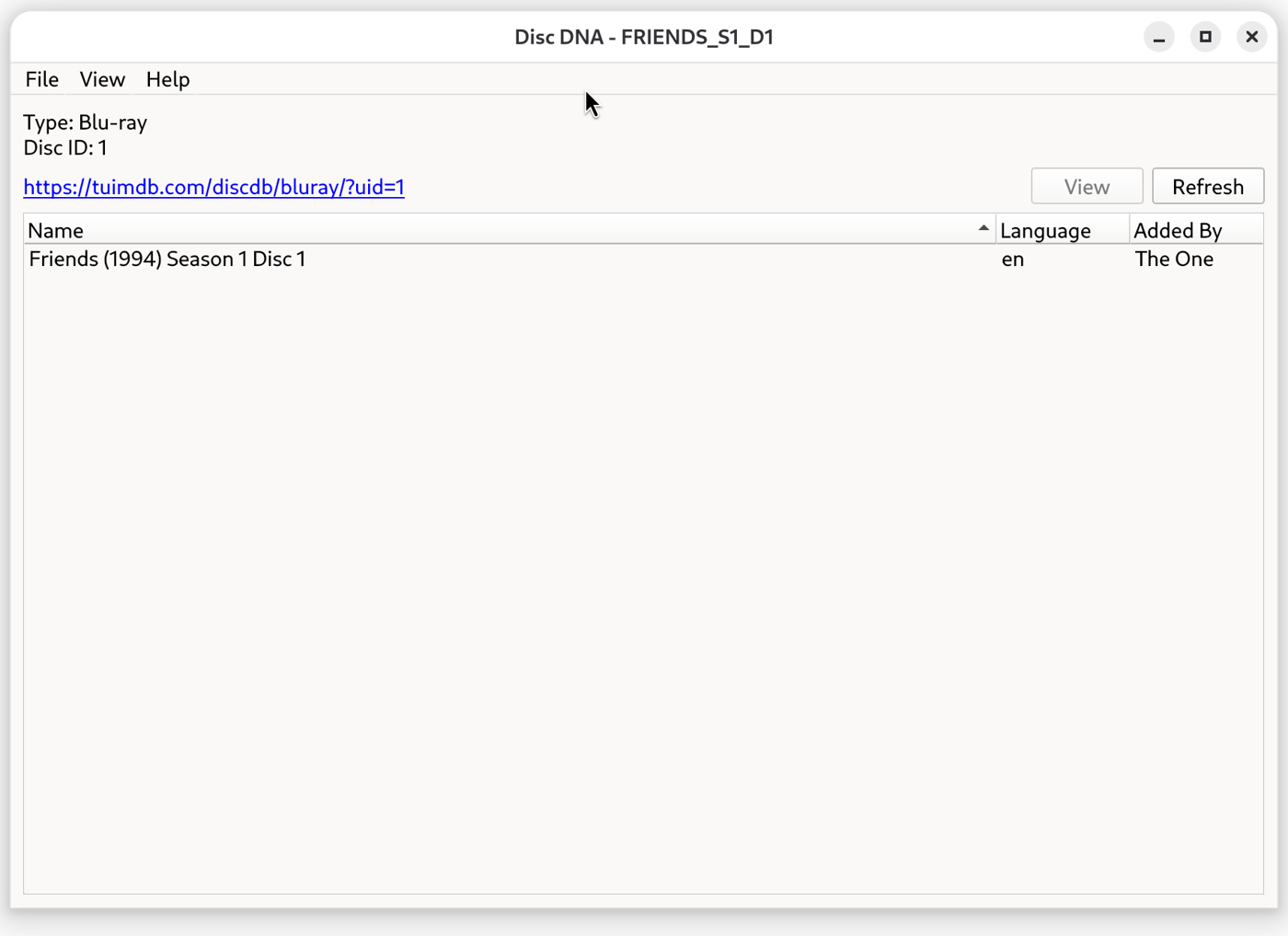
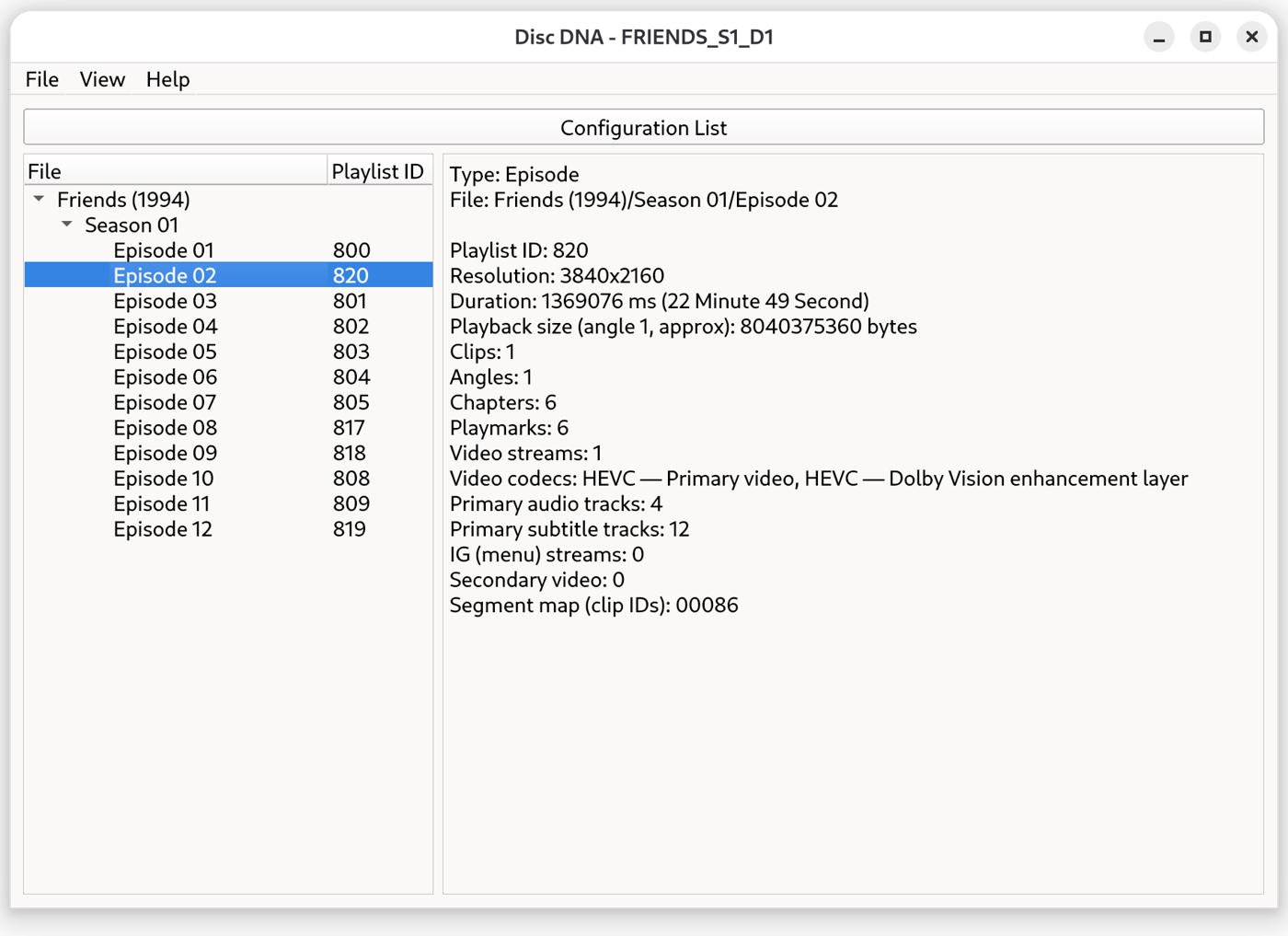
Explore disc contents, review your saved configurations, and monitor Blu-ray playlist access.
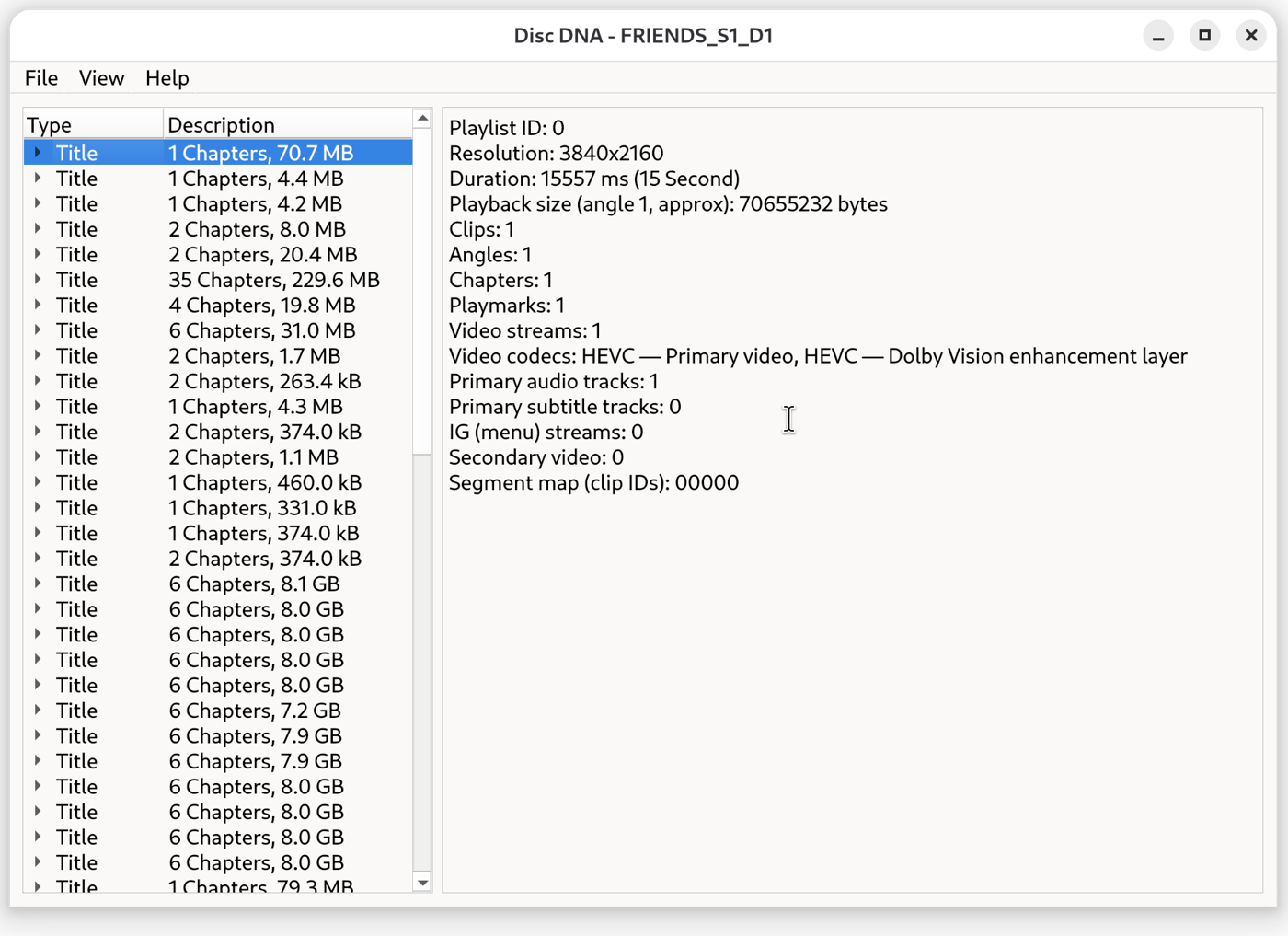
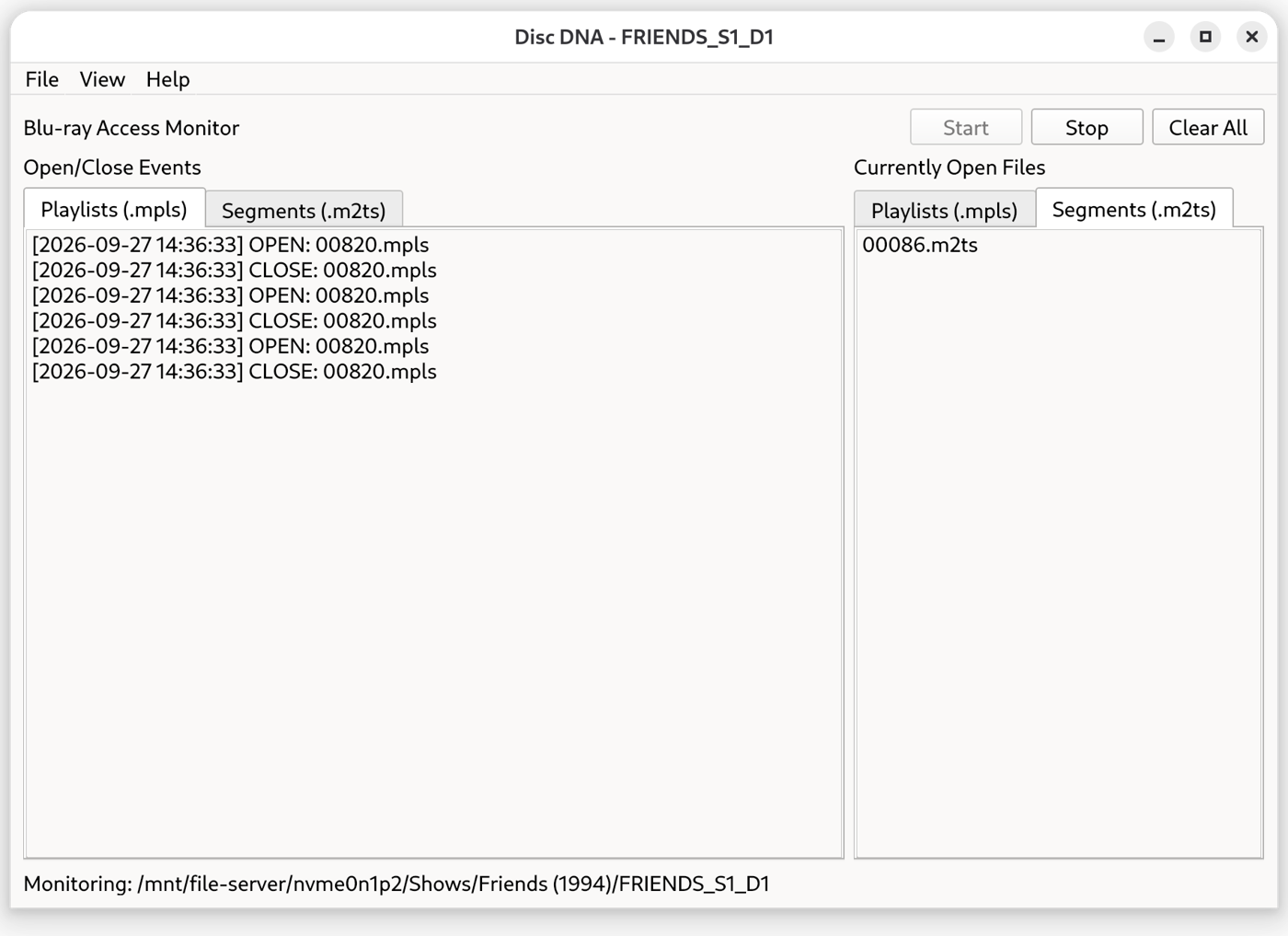
Use VLC with disc menus enabled to identify the content that plays from each menu selection.
Play the DVD in VLC with its menus enabled. As each item plays, check VLC’s Playback → Title menu for its title number. Use that number for the feature, episode, trailer, or extra you are documenting.
In Disc DNA, open Configurations and use its link to open the DiscDB page in your browser. Create a configuration for the disc, using DVD title numbers and Blu-ray playlist IDs for the titles you add.